

Setup Guide
Anthropic · Claude
ShareThis MCP for Claude
Add ShareThis as a custom connector in Claude and manage properties, apps, and sharing insights right in the conversation. OAuth-secured, live against the ShareThis API.
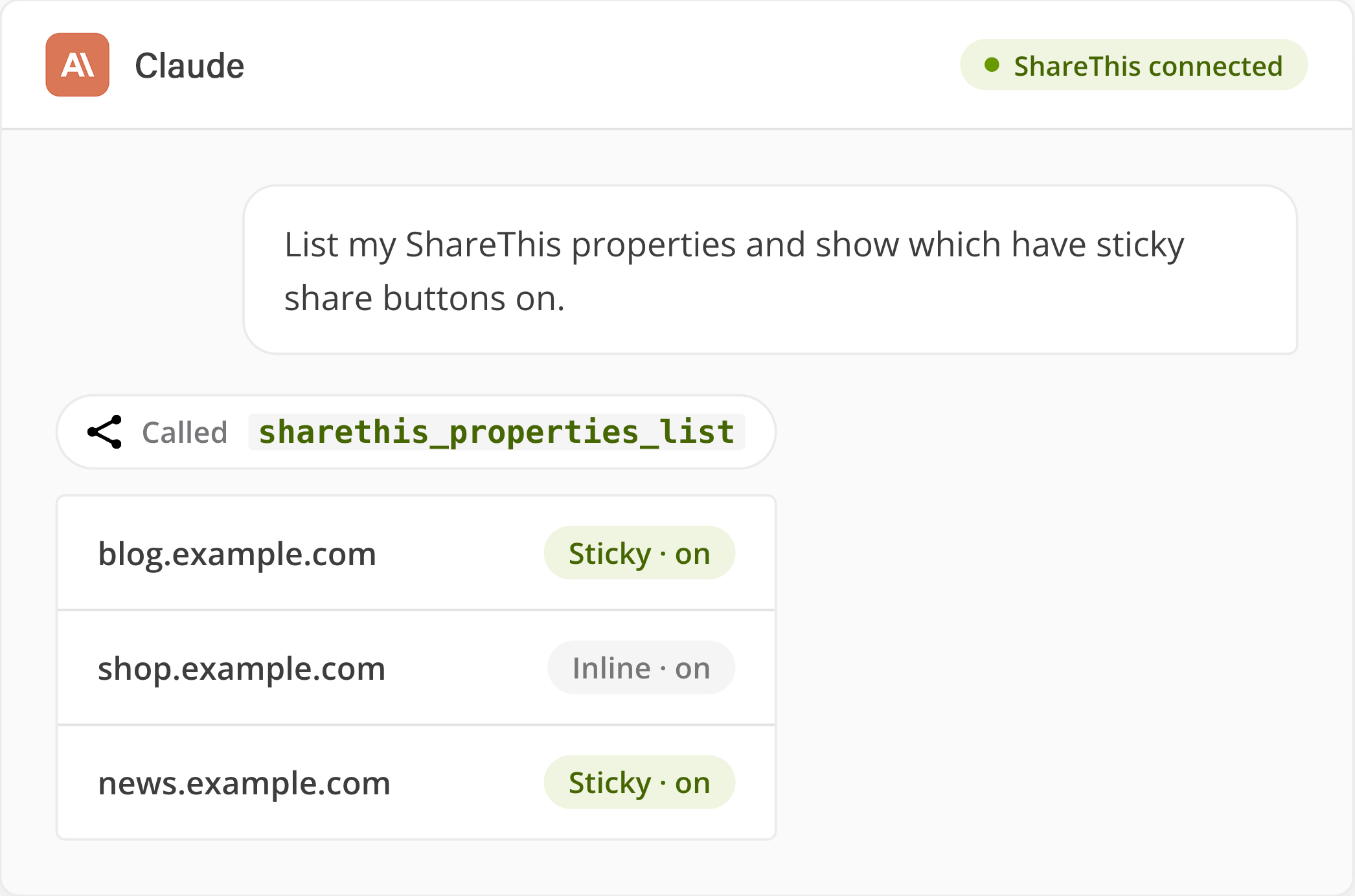
Where to find it: Claude → Settings → Connectors → Add custom connector. Available on Free (one connector), Pro, Max, Team, and Enterprise.
Connect Claude
3 steps, about a minute
No SDK, no API keys. Just the server URL and a one-time OAuth approval.
1
Open Connectors settings
In Claude, go to Settings → Connectors and click “Add custom connector.” On Team and Enterprise, an Owner adds it under Organization settings → Connectors.
2
Paste the server URL
Enter https://mcp.sharethis.com. Claude connects to the remote server from Anthropic’s cloud and discovers its nine tools automatically — no keys to copy.
3
Authorize and start using it
Complete the ShareThis OAuth approval, then turn the connector on in any chat and ask in plain English. Claude gets scoped access and never sees a raw token.
Connection Details
Copy the server URL
Claude only needs the remote MCP server URL — it handles discovery and OAuth for you. For Claude Desktop or scripted setups, use the JSON snippet.
- Transport: remote (HTTP + SSE)
- Auth: OAuth 2.0, scoped to your account
- Tools discovered: 9
MCP Server URL
claude_desktop_config.json
Under the Hood
Nine tools, one connection
These surface automatically once you authorize. You never call them by name — just ask in plain English.
sharethis_properties_create
Create a new property.
sharethis_properties_list
List properties for the authenticated user.
sharethis_properties_get
Get details for a specific property.
sharethis_properties_validate
Validate property ownership.
sharethis_apps_upsert
Create or update an app configuration.
sharethis_apps_list
List configured apps for a property.
sharethis_apps_get
Get configuration for a specific app.
sharethis_apps_delete
Remove an app from a property.
sharethis_apps_liveview
Generate a live view of an app.
Example Prompts
Speak in publishing terms
Type these straight into Claude with the ShareThis connector enabled. The agent does the rest.
Create a new ShareThis property for example.com.
List all of my ShareThis properties.
Show me the apps configured on this property.
Turn on inline reaction buttons and set the alignment to right.
Show me the live view of sticky share buttons for this property.
Validate ownership for this ShareThis property.
FAQ
Questions about Claude setup
Custom connectors using remote MCP are available on Claude Free, Pro, Max, Team, and Enterprise. Free accounts are limited to one custom connector; on Team and Enterprise an Owner adds connectors under Organization settings.
No. The ShareThis MCP uses OAuth — you authorize once and Claude manages the tokens for you. There are no API keys to generate, copy, or rotate.
Yes. Connecting ShareThis to Claude is free with your ShareThis account. ShareThis platform accounts are always free and the connector itself adds no cost.
Once connected, Claude can create and validate properties and configure apps like Inline & Sticky Share Buttons, Reactions, and the GDPR CMP — all scoped to your authorized ShareThis account. It can only use the tools you grant.
Yes. Every action runs against the live ShareThis API in real time, so changes you approve take effect immediately. There is no staging or sandbox copy to sync.

Bring ShareThis into Claude
Free for publishers. OAuth-secured. No extra credentials to manage.