

ChatGPT Share Button
- Libre de usar
- Fácil de instalar
- Rápido de personalizar
Botones para compartir de las redes sociales más populares
Elija instalar botones de compartir de más de 40 de los canales sociales más populares


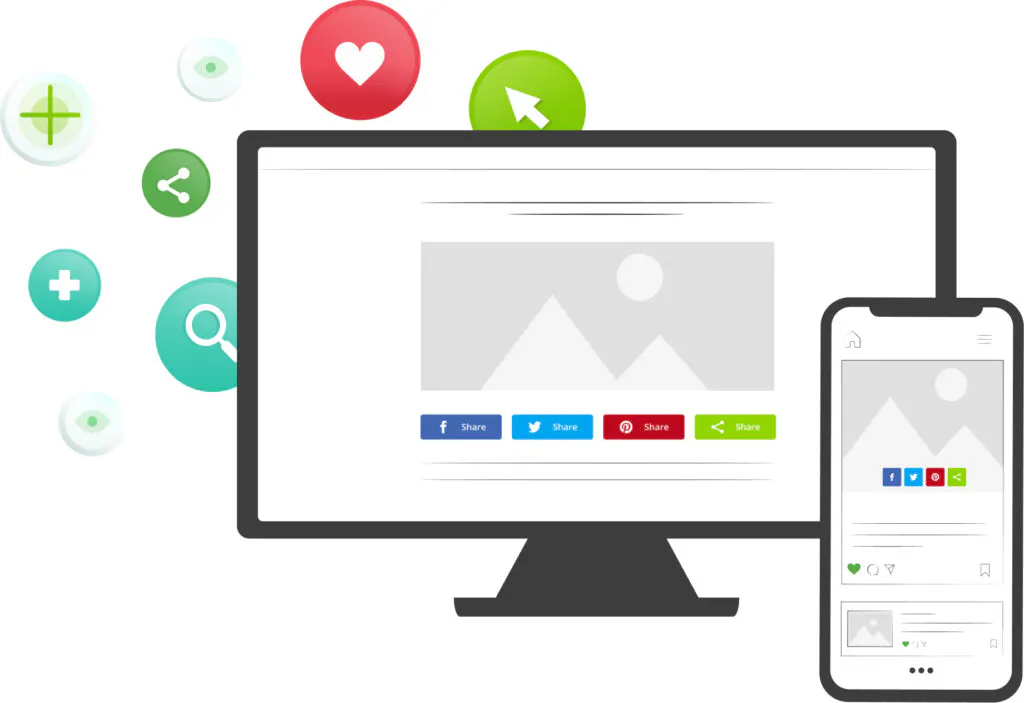
- Elija su tipo de botones
Seleccione la(s) herramienta(s) relevante(s) para hacer crecer el tráfico de su sitio web - Personalizar el diseño
Seleccione las redes sociales y adapte los botones a su marca - Añada el código a su sitio web
Inserte su código único de ShareThis en la sección de la cabecera de su sitio web - Copie y pegue el código de colocación
Añade el código de colocación donde quieras que aparezca la herramienta
Preguntas frecuentes
¿Tiene alguna pregunta sobre nuestros productos y servicios? No busque más!
A ChatGPT share button is a button on your website that opens ChatGPT with a prompt about the page your reader is on. Rather than copying the URL, switching tabs and describing your article from scratch, your visitor clicks once and arrives in a chat that is already pointed at your content.
It sits in the same row as your Facebook, X and LinkedIn buttons, so sharing to an assistant works exactly like sharing to a social network.
People increasingly read with an assistant open beside them. A share button meets that habit head on: it passes ChatGPT your page, with your framing intact, instead of leaving the reader to paste in a bare link.
It is also a useful signal. The pages readers choose to send to an assistant are the pages they want explained, compared or condensed — which tells you where your content is doing the most work.
Open the ShareThis botones compartir generator, select ChatGPT alongside whatever other networks you want, then copy the two snippets into your site — one in the head or footer, one wherever the buttons should appear. Nothing to install and no paid upgrade.
Plugins sociales
Nuestros plugins y aplicaciones CMS facilitan la integración de nuestras herramientas en su sitio web.





Obtenga sus botones para compartir
Habilite el uso compartido con un solo clic para comenzar a escalar el tráfico de su sitio hoy mismo.