

ChatGPT Share Button
- Libero da usare
- Facile da installare
- Veloce da personalizzare
I Pulsanti più popolari per la condivisione sui Social
Scegliere di installare pulsanti di condivisione da oltre 40 dei canali sociali più popolari


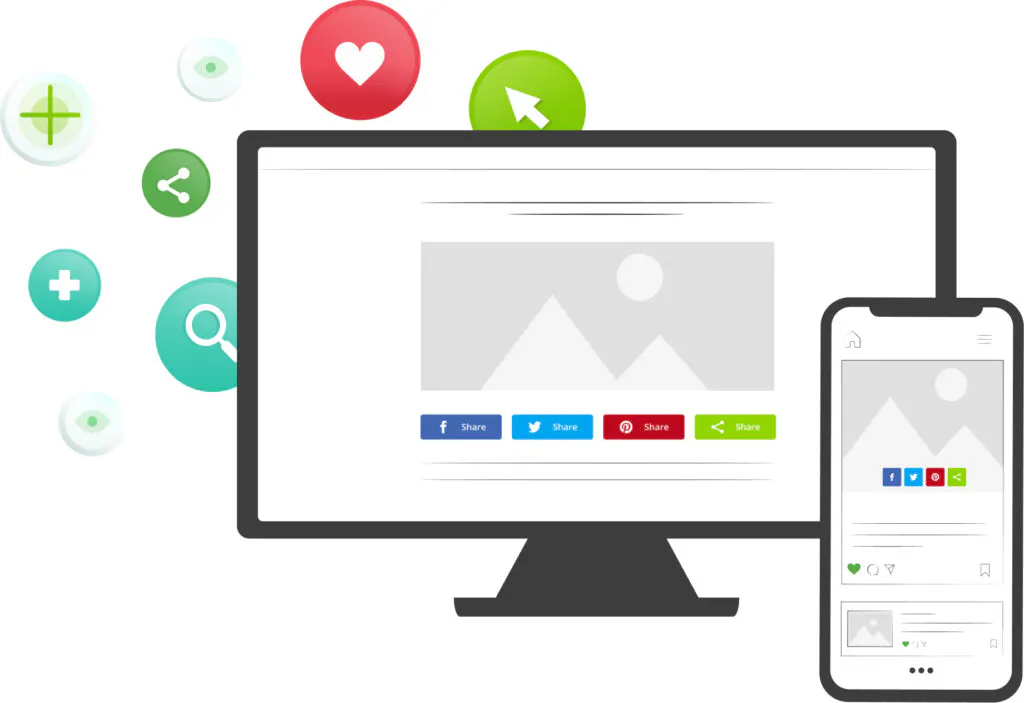
- Scegli il tuo tipo di pulsanti
Selezionare uno o più strumenti pertinenti per far crescere il traffico di tuo sito web - Personalizzare il design
Seleziona i social network e adatta i pulsanti al tuo marchio - Aggiungere il codice a tuo sito
Inserisci il tuo codice unico ShareThis nella sezione di intestazione di tuo sito web - Copia e incolla il codice di posizionamento
Aggiungi il codice di posizionamento ovunque tu voglia che lo strumento appaia
Domande frequenti
Hai domande sui nostri prodotti e servizi? Non cercate oltre!
A ChatGPT share button is a button on your website that opens ChatGPT with a prompt about the page your reader is on. Rather than copying the URL, switching tabs and describing your article from scratch, your visitor clicks once and arrives in a chat that is already pointed at your content.
It sits in the same row as your Facebook, X and LinkedIn buttons, so sharing to an assistant works exactly like sharing to a social network.
People increasingly read with an assistant open beside them. A share button meets that habit head on: it passes ChatGPT your page, with your framing intact, instead of leaving the reader to paste in a bare link.
It is also a useful signal. The pages readers choose to send to an assistant are the pages they want explained, compared or condensed — which tells you where your content is doing the most work.
Open the ShareThis pulsanti di condivisione generator, select ChatGPT alongside whatever other networks you want, then copy the two snippets into your site — one in the head or footer, one wherever the buttons should appear. Nothing to install and no paid upgrade.
Plugin social
I nostri plugin e applicazioni CMS rendono più facile l'integrazione dei nostri strumenti con tuo sito web.





Ottieni i tuoi pulsanti di condivisione
Attiva la condivisione con un clic per iniziare subito ad accrescere il traffico del tuo sito